
In this post, and in the above-linked video, I’ll give you an overview of all the new features of Copilot Studio announced during the just ended Microsoft Build 2025 conference, broken down by macro categories: multi-agent support, models, knowledge, tools, analytics, publishing, application lifecycle management.
Multi Agents
Multi-Agent Orchestration
Rather than relying on a single agent to do everything—or managing disconnected agents in silos—organizations can now build multi-agent systems in Copilot Studio, where agents delegate tasks to one another.
In the demo showed in my video, we have a banking agent that helps customers with their banking needs (for example checking account balances, transferring funds, report a stolen card and so on): previously you would have to build a single agent with all of these capabilities, now instead you can break a complex agent down into many connected agents each one specialized in a single functionality.
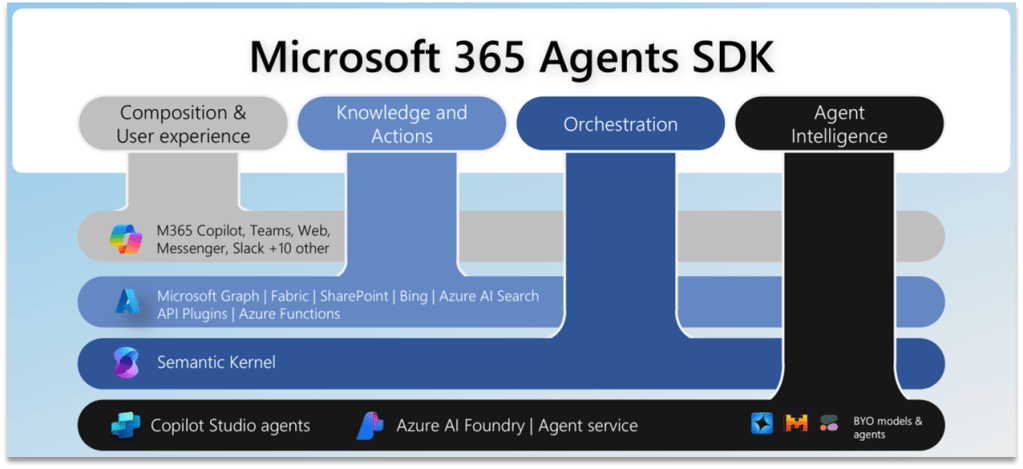
Adding a new agent is very easy: you can add an agent from Copilot Studio or the Microsoft 365 SDK, Microsoft Fabric, Azure AI Foundry. And in the future you’ll be able to connect to third party agents, via the A2A protocol.
Multilingual capability for Generative Orchestrator
Microsoft now provides a catalog of managed agents you can browse and install from within Copilot Studio. These agents are complete solutions, that you can use as template and customize for your needs.
Models
Copilot Tuning
A feature that was long-waited is Copilot Tuning. Copilot Tuning allows you to fine-tune large language models (LLMs) by using your own data. That’s implement in a task-specific fashion, let’s say in a controlled way, let’s see an example.
The first step is configuring your model. Click create new. Next, you’ll provide the model name, a description of the task you’d like to accomplish, and select a customization recipe tailored to the specific task type.
Next, you’ll give the model instructions to help it identify and prepare the most relevant data from your SharePoint sites.
Next, you need to provide the training data or knowledge, which forms the foundation of your fine tuned model. Currently only SharePoint sources are supported.
The final step in configuring is to define who can use the fine-tuned model to build agents in Microsoft 365 copilot by using security groups.
Now that your model is configured, you’re ready to prepare your training data with data labeling. Data labeling is the process of identifying the best examples that you want the model to learn from.
Once your data are processed, you’ll receive an email notification indicating that your data is ready for labelling.
The model you have fine-tuned can be used in M365 Copilot Agent Builder. So from the new M365 Copilot interface you select Create Agent, and you’ll be prompted to select the purpose of your agent: general purpose or task-specific. Select task specific to see the list of fine-tuned models that are available to you. You select a model, then from now on you proceed to building and customize your agent as usual.
Bring Your Own Model as a primary response model
We are now offered the possibility to fine-tune the LLM model used by Copilot Studio while building our agents, in two different ways: at agent level and at tool level. Let’s start with the agent level.
Once you have your agent initialized, go to the settings, in the generative AI tab, you have now a drop down to change the primary response model: you have some preset options plus the possibility to connect to AI Foundry and select your own published models from AI Foundry.
Bring Your Own Model as a primary response model
The second way how you can introduce a fine-tuned model in our Copilot Studio agents is via the prompt tool.
The prompt tool allows you to specify a task to be completed by Copilot Studio, describing it in natural language, and copilot studio will call it when it reckons necessary.
Now you have the possibility to specify a model for your prompt. You have some of the managed models already available for you, the ones that are curated by Microsoft. In addition it’s also possible to use one of 1900 plus Azure AI Foundry models based on your specific use case.
Knowledge
SharePoint lists, Knowledge Instructions
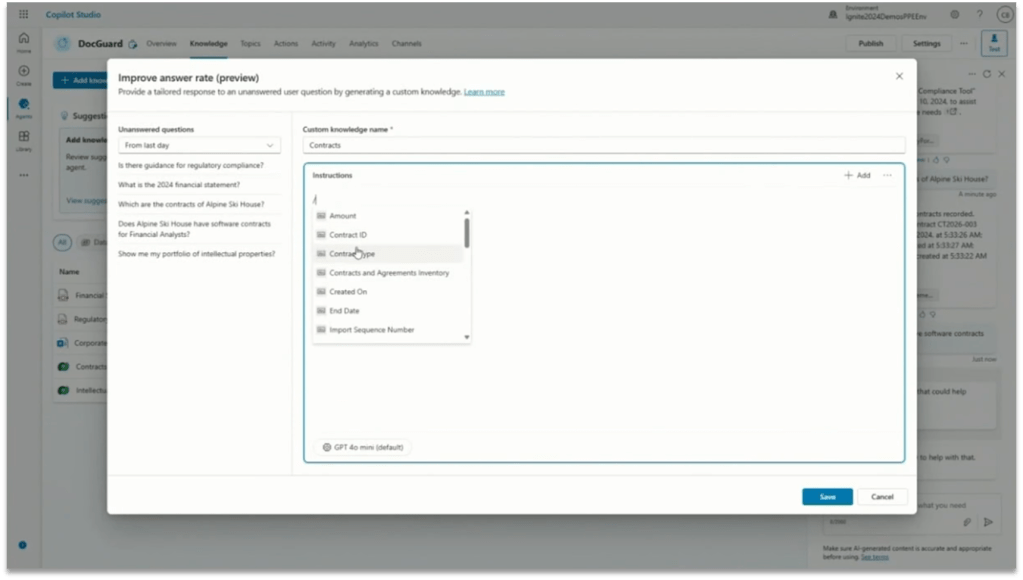
Copilot Studio is making progress on the Knowledge management as well. Now it supports SharePoint Lists, as well as uploading files grouping them together as a single knowledge base. Plus, now you have the option to write Instructions at knowledge level.
Tools
Computer Use
I think Computer Use is by far the most impressive tool added to Copilot Studio. Unfortunately it’s going to be available only for big customers in USA, at least for now.
Computer Use allows Copilot Studio Agents to interact with desktop apps and websites like a person would—clicking buttons, navigating menus, typing in fields, and adapting automatically as the interface changes. This opens the door to automating complex, user interface (UI)-based tasks like data entry, invoice processing, with built-in reasoning and full visibility into every step.
Dataverse Functions
You have also Dataverse Functions in preview, you can create one from the Power Apps portal, the function can have inputs and outputs and a formula containing your business logic: and then you can add that function to your agent selecting the Dataverse connector and choosing Unbounded Action.
You can configure it with the appropriate inputs and outputs, and then that becomes one more tool at your agent disposal.
Intelligent Approvals in Agent Flows
Agent Flows is a new tool we have been seeing for few weeks now, Microsoft is actively working on it and at the Build Conference they presented Intelligent Approvals.
Intelligent Approvals inserts an AI-powered decision-making stage directly within the Advanced Approval action. You simply provide natural language business rules and select your desired AI model: the model then evaluates submitted materials—images, documents, databases, or knowledge articles—to deliver a transparent approve or reject decision, complete with a detailed rationale.
Analytics
Evaluation Capabilities
The challenge in building any kind of agent is making sure it responds accurately when users ask different types of questions.
This is where the new evaluation capabilities in Copilot Studio come in. Now you can run automated tests against your agent directly from the testing panel. You can upload your set of questions, import queries from the chat history or even generate questions using AI. You can review and edit each question before running the test. Then you can run the evaluation and get a visual summary of the evaluation results.
Publishing
Publishing to WhatsApp and SharePoint
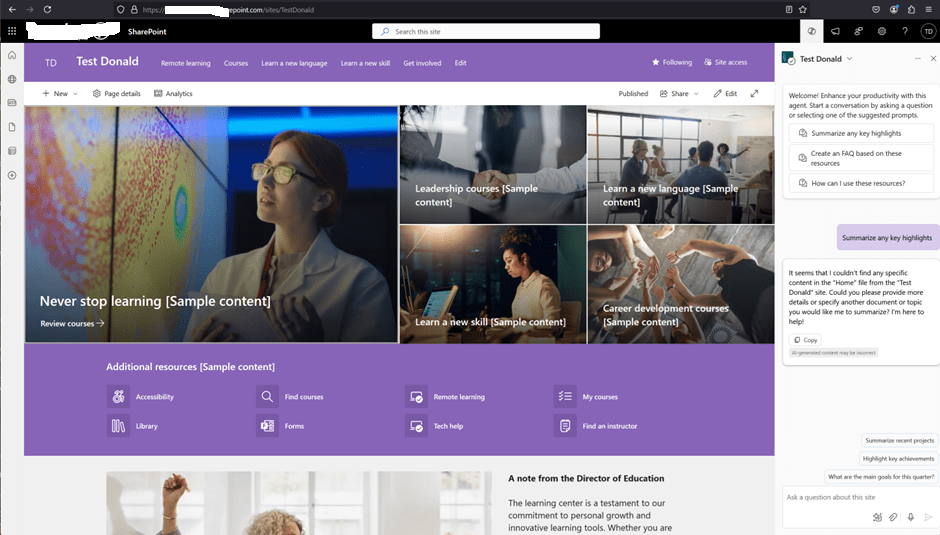
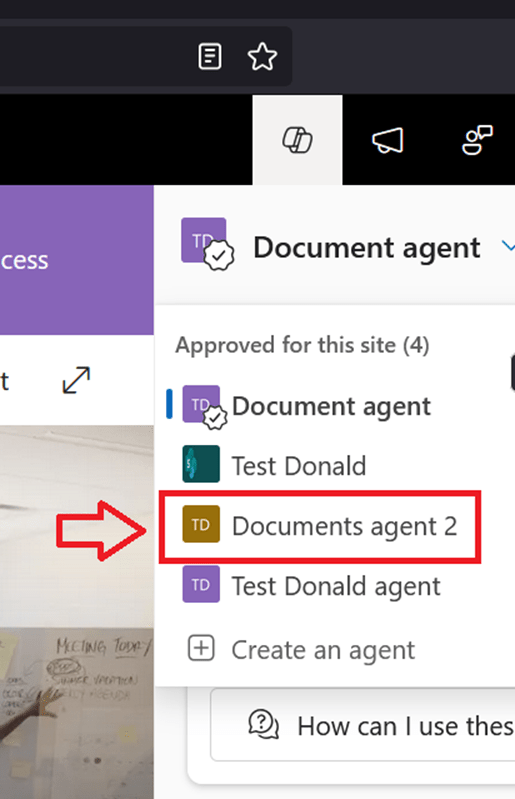
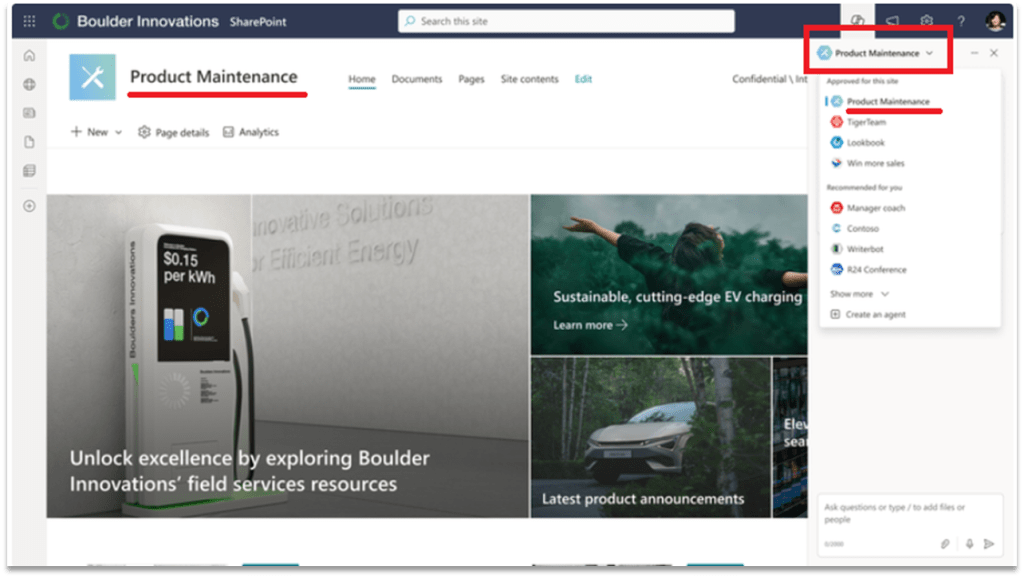
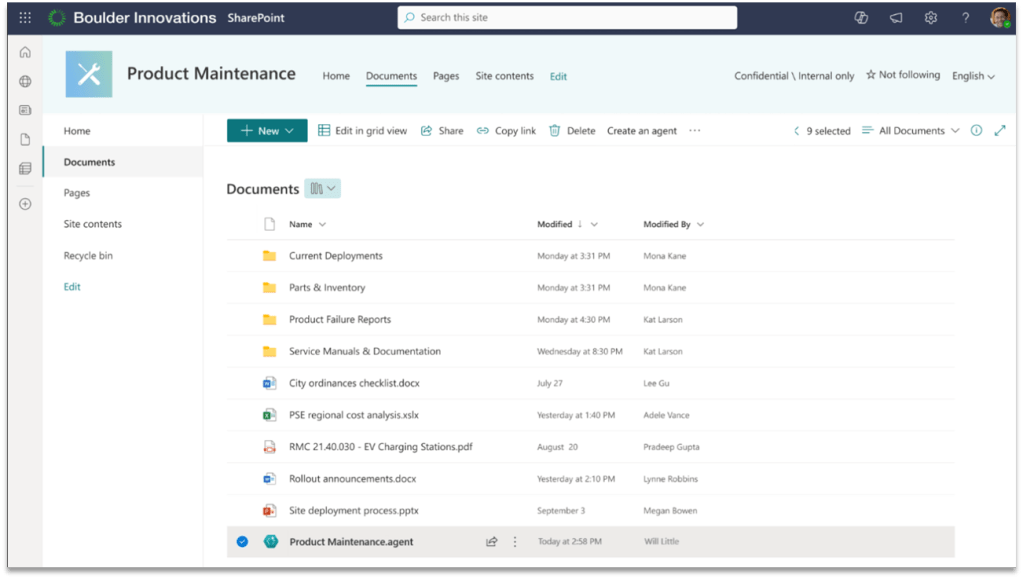
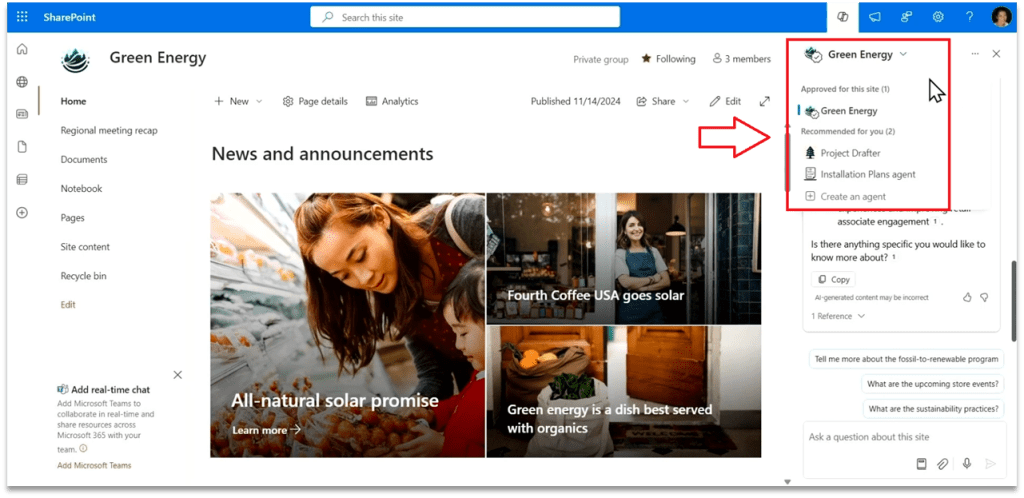
You can now publish your agent to WhatsApp and, more importantly, you can publish it to SharePoint! That’s another long-waited feature, because so far it wasn’t possible to have a SharePoint Agent with actions and other advanced features, now finally you can.
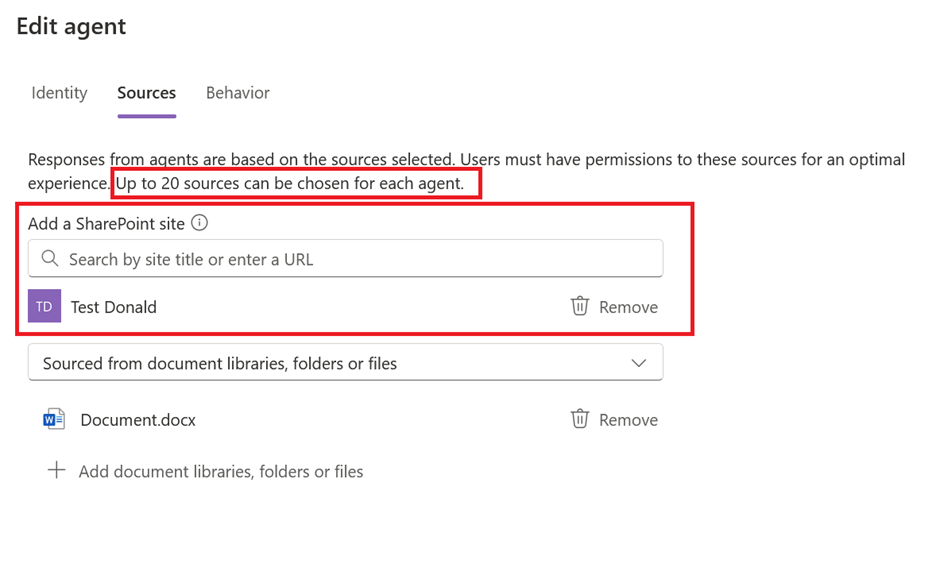
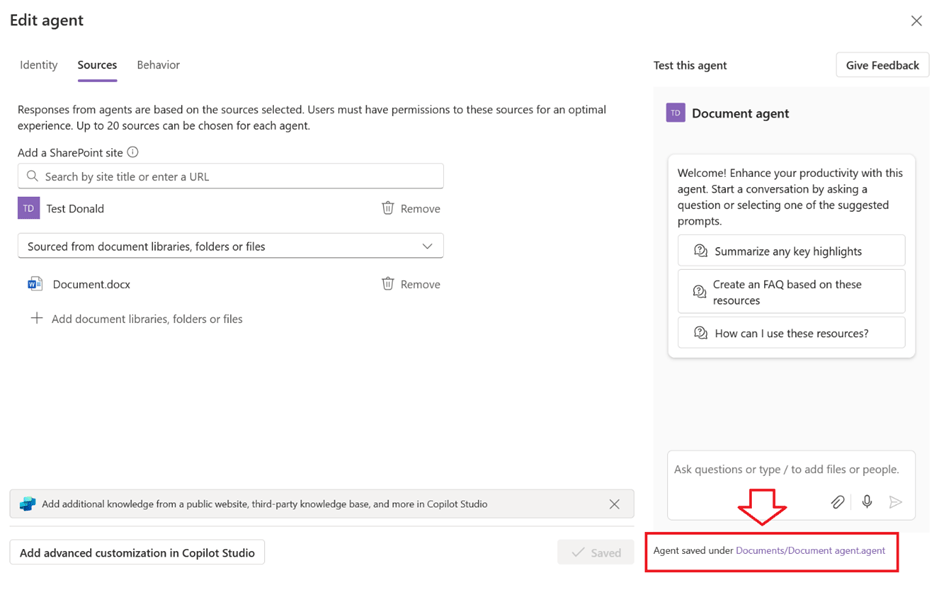
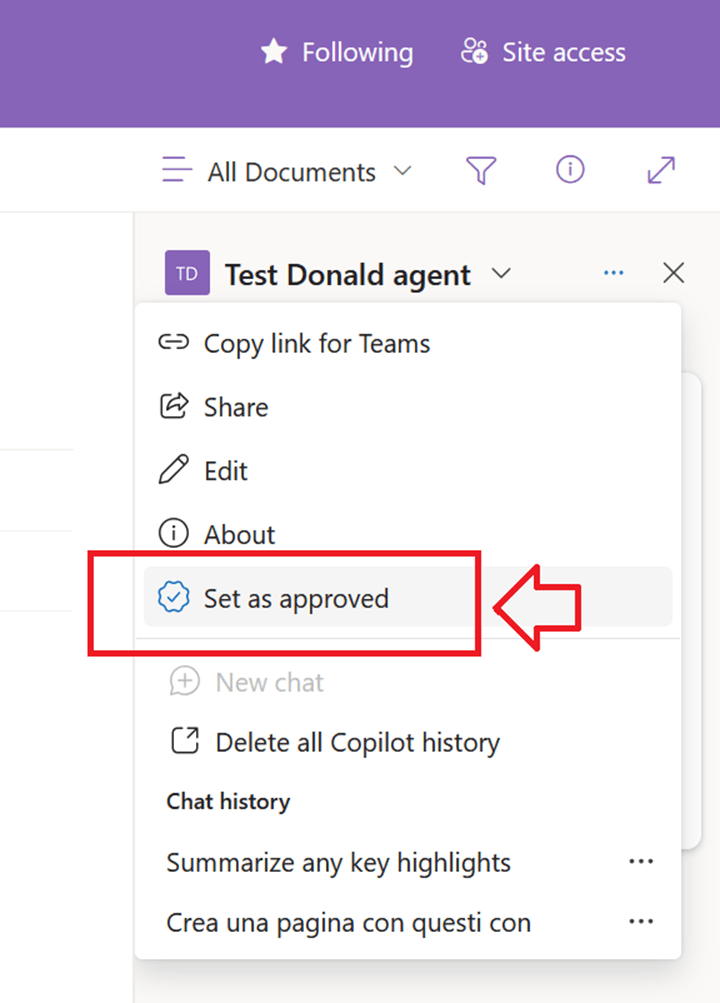
Let me just point out here that if you create your SharePoint Agent from SharePoint, you can’t customize it in Copilot Studio yet. So this works only if you start from Copilot Studio and then publish to SharePoint, the vice versa is not possible yet.
Code Interpreter
Generate a chart via Python code
Copilot Studio agents can now generate charts, and that’s done using the new Code Interpreter feature. Python code is generated automatically in reply to a prompt, you can see it and reuse it, and then it executes and generates the chart as the user’s answer.
ALM
Source code integration
With native source control integration you can take your agents in your environment and connect it to a source control repository, such as Azure DevOps, and make commits from the UI directly, so that everything you do is source controlled and is managed in the same way that you would expect any software to be managed.
Edit agent in VS Code
And finally, for the real nerds, the extension to Visual Studio Code allows you to clone agents to your machine locally and start editing the code behind it!
You’ll get here syntax errors highlighting, auto complete, documentation and so forth.


























 Donald Mucci